![BinSentry_HorizontalComplete_White.png]](https://knowledge.binsentry.com/hs-fs/hubfs/BinSentry_HorizontalComplete_White.png?height=28&name=BinSentry_HorizontalComplete_White.png)
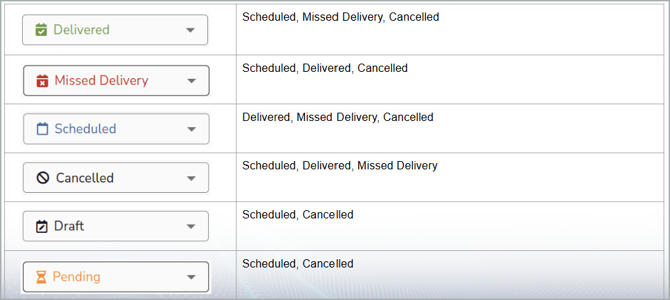
- Order status is now a drop down that shows the available states that the order can be manually transitioned to.
- This is available on the Order Manager and Bin and Barn Modals.
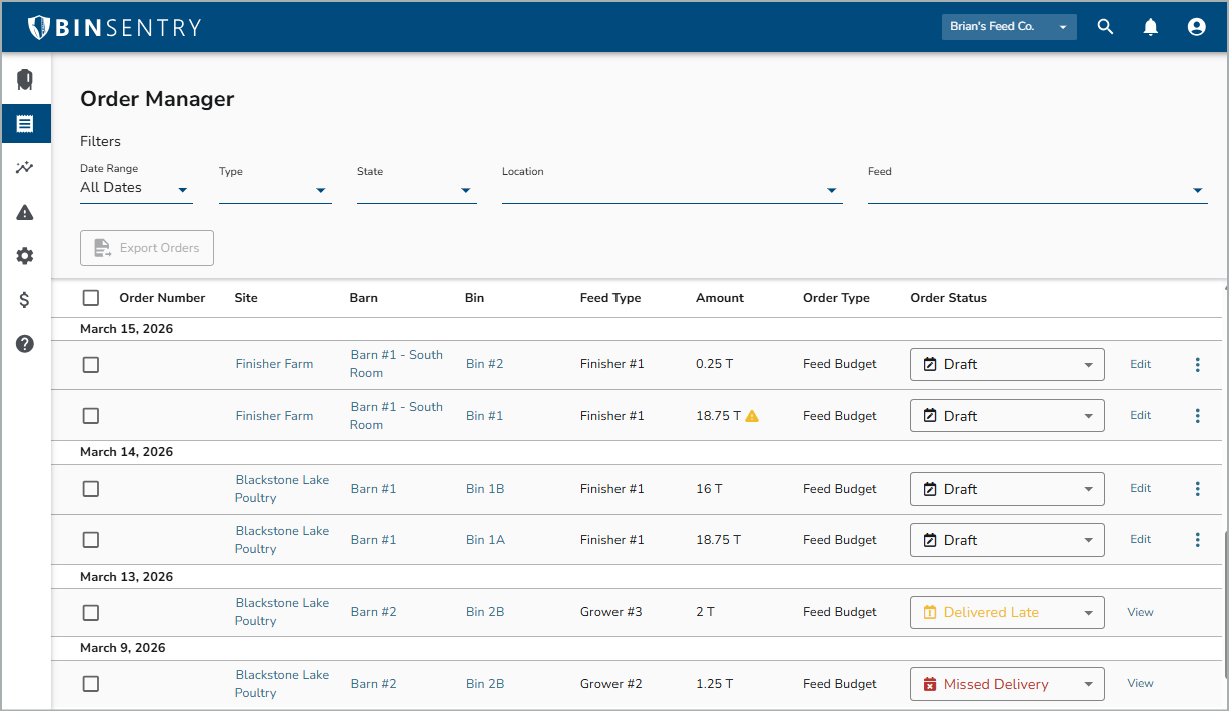
- You can update the status of an order in 3 places: Order Manager, the Bin Modal or Barn Modal. This will open a drop-down menu for you to update the order status.
Order Manager: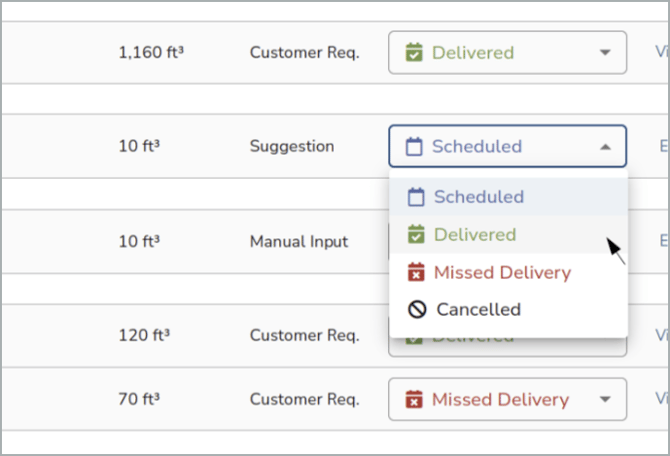
Bin Modal: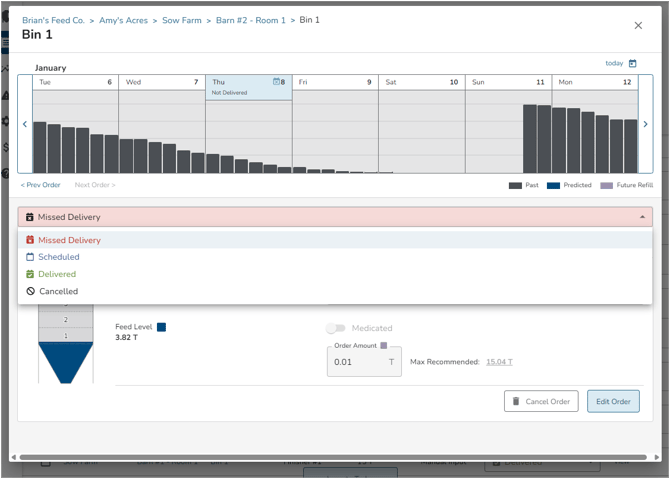
Barn Modal: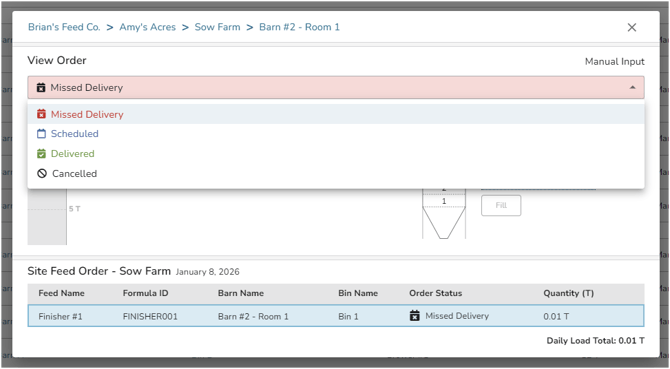
- You can even adjust the amount of the order received. If the delivery was split just change the status to Scheduled then adjust the amount and move the status back to Delivered.
There are 6 options for order status, but not all statues are available in the dropdown depending on its current status. For example, a Pending order cannot be marked as Delivered. It would first need to be Scheduled, then marked as Delivered.